01
Am I getting what I’m paying for?
Let’s look at your internet plan and test the connection coming into your home. A wired check at your router, where accessible, helps us compare results while accounting for equipment and test limits.
YOUR LOCAL, AT-HOME WI-FI HELP
A helpful visit. Clear answers. A home setup that makes sense. We check your connection where you actually use it—and explain what could work better.
Friendly help, right at home.

LET’S CONNECT THE DOTS
Show us where the Wi-Fi lets you down. We bring the checks, explain the findings, and help you understand your next step.
An at-home visit, built around you.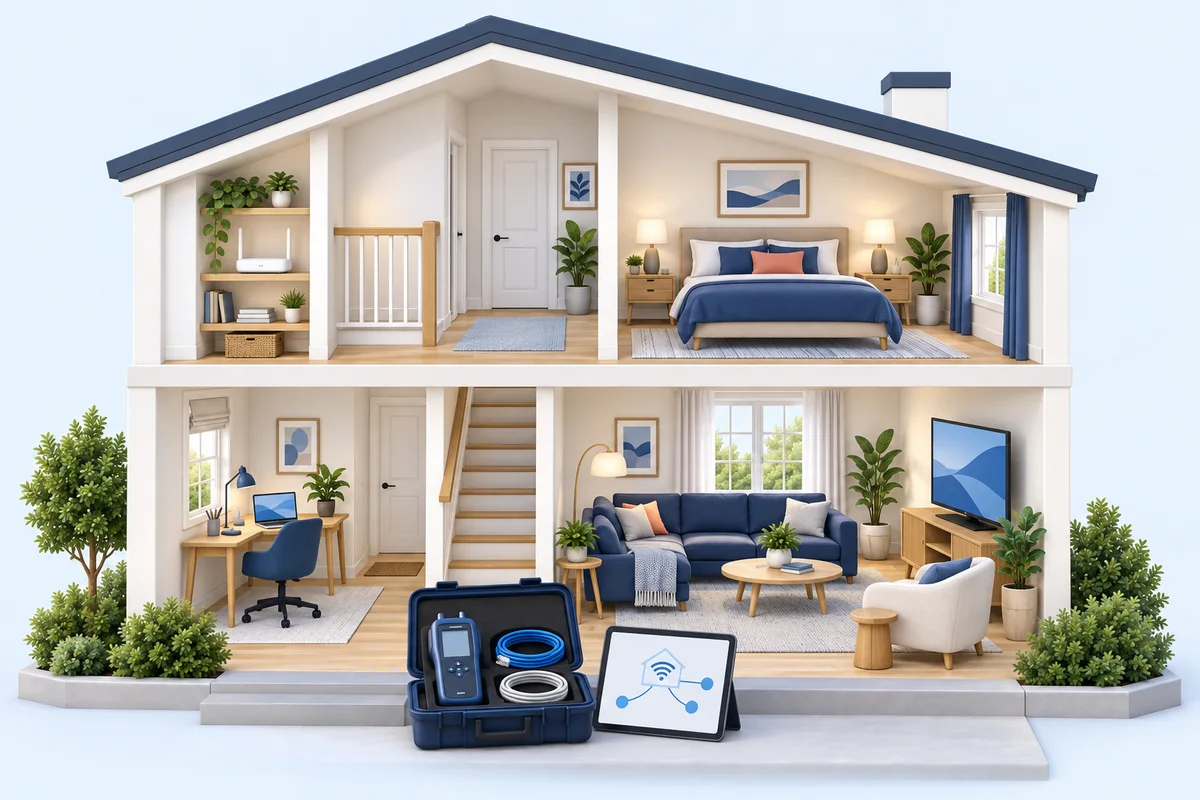
We start with how you use the internet and what you’d like to improve. You don’t need to know the technical terms.
Let’s look at your internet plan and test the connection coming into your home. A wired check at your router, where accessible, helps us compare results while accounting for equipment and test limits.
Show us the room where calls drop or the TV keeps buffering. We check those spots, your router’s location, and how your devices connect.
Routers, extenders, cables, and an old box you’re afraid to unplug? We help make sense of what you have and explain what to keep, move, or consider replacing.
If the findings point to the connection coming in, we document what we found and what to ask your provider to check.
If the findings point to your Wi-Fi or equipment, we explain which changes could help and what they involve.
If the results are mixed or the issue does not appear during the visit, we explain what remains uncertain and recommend the next useful check.
HELP FOR THE WAY YOU USE THE INTERNET
Know what you’d like help with? Choose a package, or answer a few quick questions to find a starting point.

Tired of moving to another room for a better signal?
Troubleshoot slow spots and dropouts in your existing home network.
Up to 2,500 sq ft · 8 test points · 3 devices
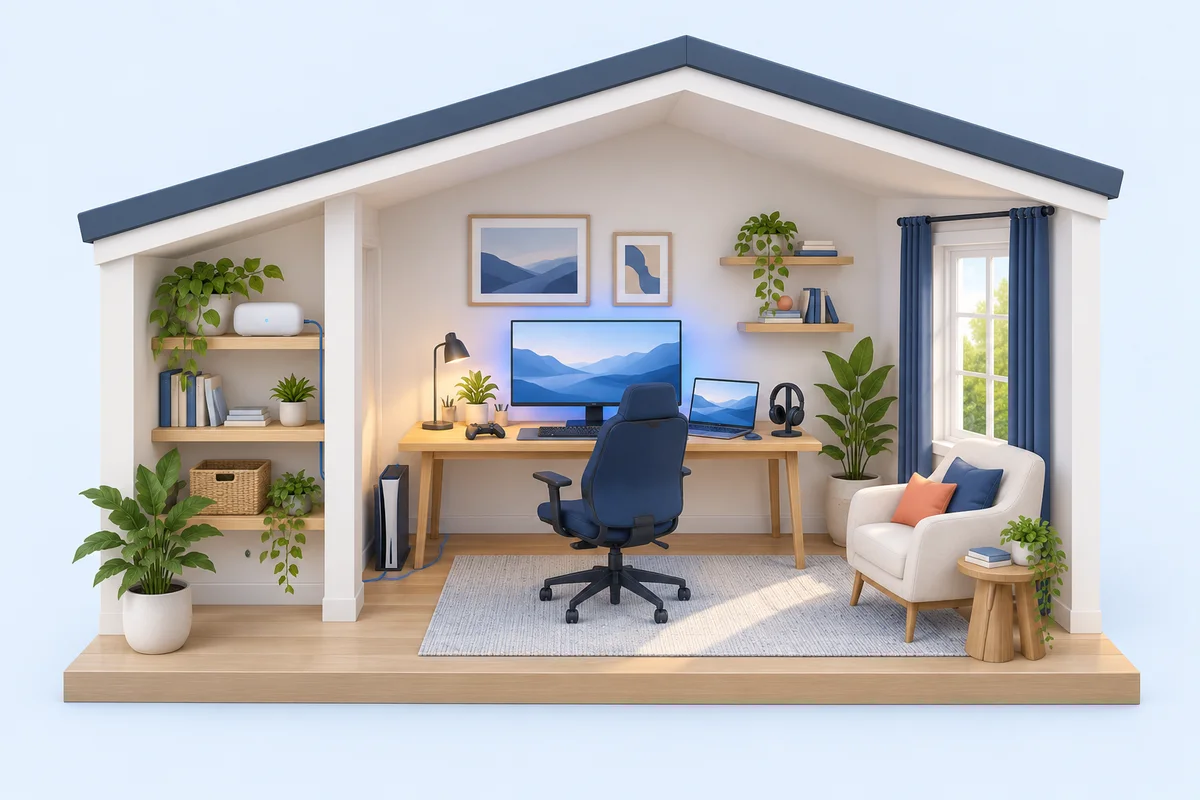
Work calls freezing? Games lagging at the worst moment?
Let’s look at your desk or gaming setup and help you decide how your devices should connect.
One station · 3 devices · personal equipment

Great Wi-Fi downstairs. Almost none upstairs?
Set up and position your mesh system for the rooms that matter to you.
Up to 3,500 sq ft · 10 test points · 8 devices
That’s a good reason to start with the $79 diagnostic. Bring your questions; we’ll take it from there.
Your diagnostic fee is credited toward a core package purchased during the visit or booked within 7 days.Hardware is separate and must be customer-provided or prepaid. Package limits define the scope of work; they are not coverage or speed guarantees.
A VISIT THAT MAKES THINGS CLEARER
Video meetings, streaming, gaming, or a little of everything? Show us the spaces and devices that matter to you.
We test, explain what each piece does, and make time for your questions. Let’s look at what’s working and what needs attention.
You get a short report of the findings, any unanswered questions, and practical next steps. We explain the cost before you approve more work.
WI-FI MADE A LITTLE CLEARER
Your phone’s signal bars do not measure your internet speed. Compare the same task near the router and in the problem room.
Signal and performance basics ↗A wireless node placed inside a dead zone may struggle itself. Start between the main unit and the weak room, then check placement and retest.
See placement guidance ↗Wi-Fi 6E adds access to the 6 GHz band. The router and the device both need compatible hardware to use it.
Check compatibility ↗Wider channels use more radio space. In a busy neighborhood, narrower channels can help consistency. For 2.4 GHz, 20 MHz is a useful starting point.
Understand router settings ↗TALK IT THROUGH FIRST
We’ll help you understand your options. Request a free callback; no purchase is required.
IT’S OKAY TO ASK
Whether you want fewer interruptions, less equipment clutter, or simply a better understanding of your Wi-Fi, your questions belong here.
We help improve and explain the home network you already have. You keep your current internet provider and plan.
Results depend on your walls, devices, equipment, interference, and internet service. We focus on practical coverage and consistent performance, and explain the limits of your setup.
Yes. Request a free callback for help choosing a service and preparing for a visit. Pick a preferred date and time window in Central Time; our team will reach out to confirm. This is booking assistance, not a full remote repair appointment.
All inquiries are welcome. For Nashville and other areas, someone will reach out to confirm your appointment. Visits are considered case by case, and the requested visit is not confirmed until our team contacts you.
Absolutely. You don’t need a Wi-Fi emergency to book a diagnostic. Bring your questions about your plan, equipment, coverage, or a home office or gaming setup. We’ll walk through your existing network with you and explain your options in plain language.
Possibly. We’ll talk through how your household uses the internet and compare that with your plan and equipment. We can help you decide what to ask your provider before changing plans. Your provider handles plan changes and pricing; savings depend on your needs and available plans.
Let’s look at the devices, space, and connection you already have. Where an existing Ethernet connection is available, we can compare it with Wi-Fi and explain the trade-offs for your calls or gaming. Our services cover personal equipment; new in-wall wiring and changes to employer-managed devices are outside the service scope.
Yes. We can help identify what each piece does and flag equipment that may no longer be needed. We explain what is still part of your network before recommending changes. Any adjustments are agreed with you first and stay within your selected service; the $79 visit is diagnosis only.
Up to 45 minutes of assessment of your existing connection and home setup, an explanation of the likely source, and a short report with next steps. It is a diagnostic visit; repair work and equipment are separate.
We document the test results and what to ask your provider to check. Your provider handles outages, the incoming service line and provider-side repairs. The $79 covers the diagnostic visit, including when the next step is contacting your provider.
Your full $79 diagnostic fee is credited toward Wi-Fi Rescue, Gaming & Home Office, or Whole-Home Mesh purchased during the same visit or booked within 7 days. Equipment costs are separate.
Some problems come and go, and more than one issue can affect your connection. We explain what the tests support, what remains uncertain and the next useful check. The diagnostic does not guarantee a repair.
No new equipment is needed to start with a diagnostic. Wi-Fi Rescue works with your existing setup. Whole-Home Mesh covers setup of up to three customer-provided nodes; hardware is separate and must be customer-provided or prepaid.
New in-wall wiring, electrical work, cameras and alarm systems, exterior or roof work, and business-managed devices are outside our pilot services. Detached buildings and larger installations need an assessment or specialist referral.
An adult with permission to approve the work, access to the router and relevant rooms, and the devices you want checked. You enter your own passwords; we do not need to keep them.